
Hong Kong, Hong Kong S.A.R. Mar 27, 2026 (Issuewire.com) - In today’s digital world, slow computers and cluttered storage are common frustrations. This has led to a surge in software promising to “clean,” “optimize,” and “boost” system performance with just a few clicks. One such tool is WMaster Cleanup — a relatively new entrant in the PC utility space. But how does it really stack up, and should users trust it?
What Is WMaster Cleanup?
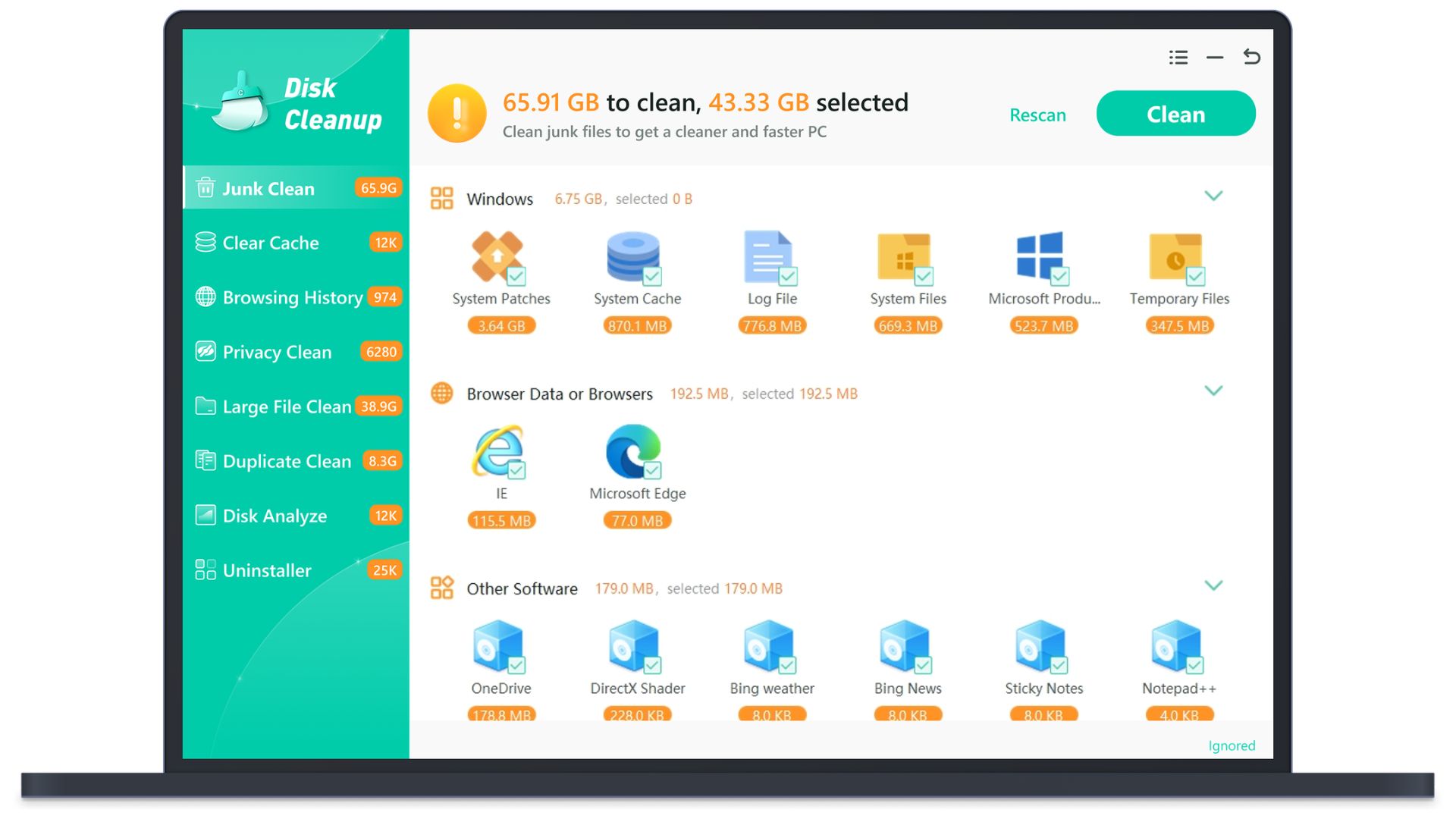
WMaster Cleanup presents itself as an all-in-one system optimization tool for Windows users. According to its website, it offers features like junk file removal, duplicate file detection, cache clearing, and program uninstallation. It also claims to improve system speed and enhance privacy by removing browsing traces and temporary data.
On the surface, these features are not unusual. Many established tools—along with built-in Windows utilities—already provide similar functionality.
The Appeal of “One-Click Optimization”
Tools like WMaster Cleanup are designed to simplify system maintenance. The idea is appealing: instead of manually managing files and settings, users can rely on automated scans and quick fixes.
However, this convenience comes with trade-offs. “One-click” solutions often operate with broad rules that may not suit every system. In some cases, they can remove files that are better left untouched or suggest fixes that provide minimal real-world benefit.
Trust and Transparency Concerns
A key issue with newer or lesser-known software is credibility. WMaster Cleanup does not yet have a strong track record or widespread recognition in the tech community. This makes it harder for users to verify its effectiveness or safety.
Some common concerns with emerging optimization tools include:
- Lack of independent reviews from reputable sources
- Limited transparency about how the software works
- Aggressive claims about performance improvements
- Unclear data handling or privacy policies
These factors don’t automatically mean a tool is unsafe—but they do suggest caution.
Do You Really Need a PC Cleaner?
Modern operating systems like Windows have significantly improved their ability to manage resources. Built-in tools such as Disk Cleanup and Storage Sense already handle many routine tasks efficiently.
In many cases, noticeable performance improvements come from:
- Removing unnecessary startup programs
- Updating software and drivers
- Ensuring sufficient RAM and storage
- Running regular security scans
Third-party cleaners may offer convenience, but they rarely deliver dramatic speed boosts on their own.
When to Be Careful
Before installing any system utility, consider the following:
- Is the software from a well-known developer?
- Are there credible, independent reviews?
- Does it request unnecessary permissions?
- Are the claims realistic or exaggerated?
If the answers raise doubts, it’s better to pause and research further.
Final Thoughts
WMaster Cleanup fits into a crowded category of PC optimization tools that promise quick and easy performance improvements. While its feature set is familiar, its relatively new presence and limited reputation make it difficult to fully assess.
For most users, sticking with trusted tools—or simply using built-in system features—remains the safer approach. Optimization software can be helpful in specific cases, but it should never replace careful system management and informed decision-making.
In the end, the best way to keep a computer running smoothly isn’t a single download—it’s a combination of good habits, regular maintenance, and a healthy dose of skepticism toward bold claims.
Media Contact
WMaster Cleanup wmastercleanup@gmail.com https://www.wmastercleanup.com/




