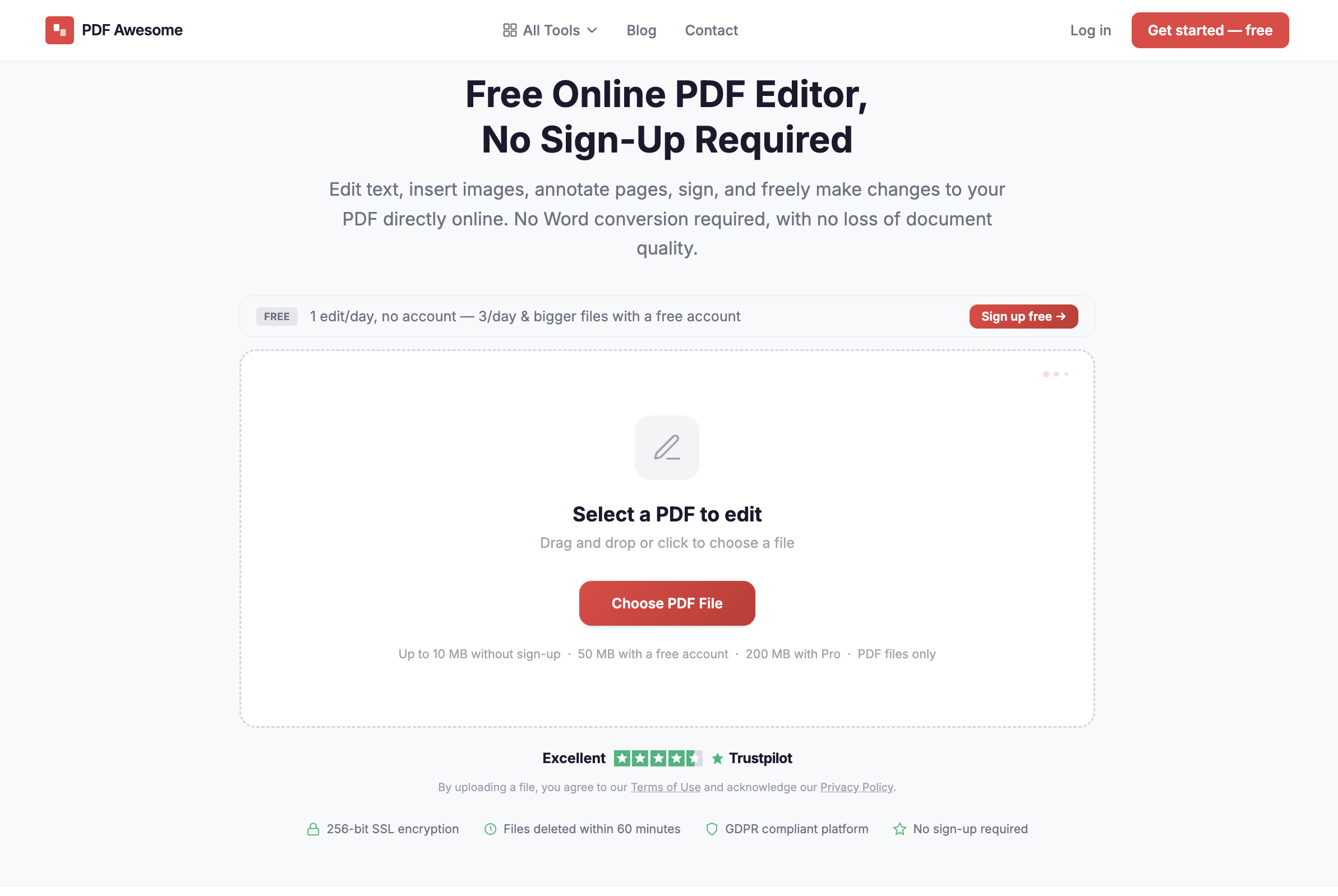
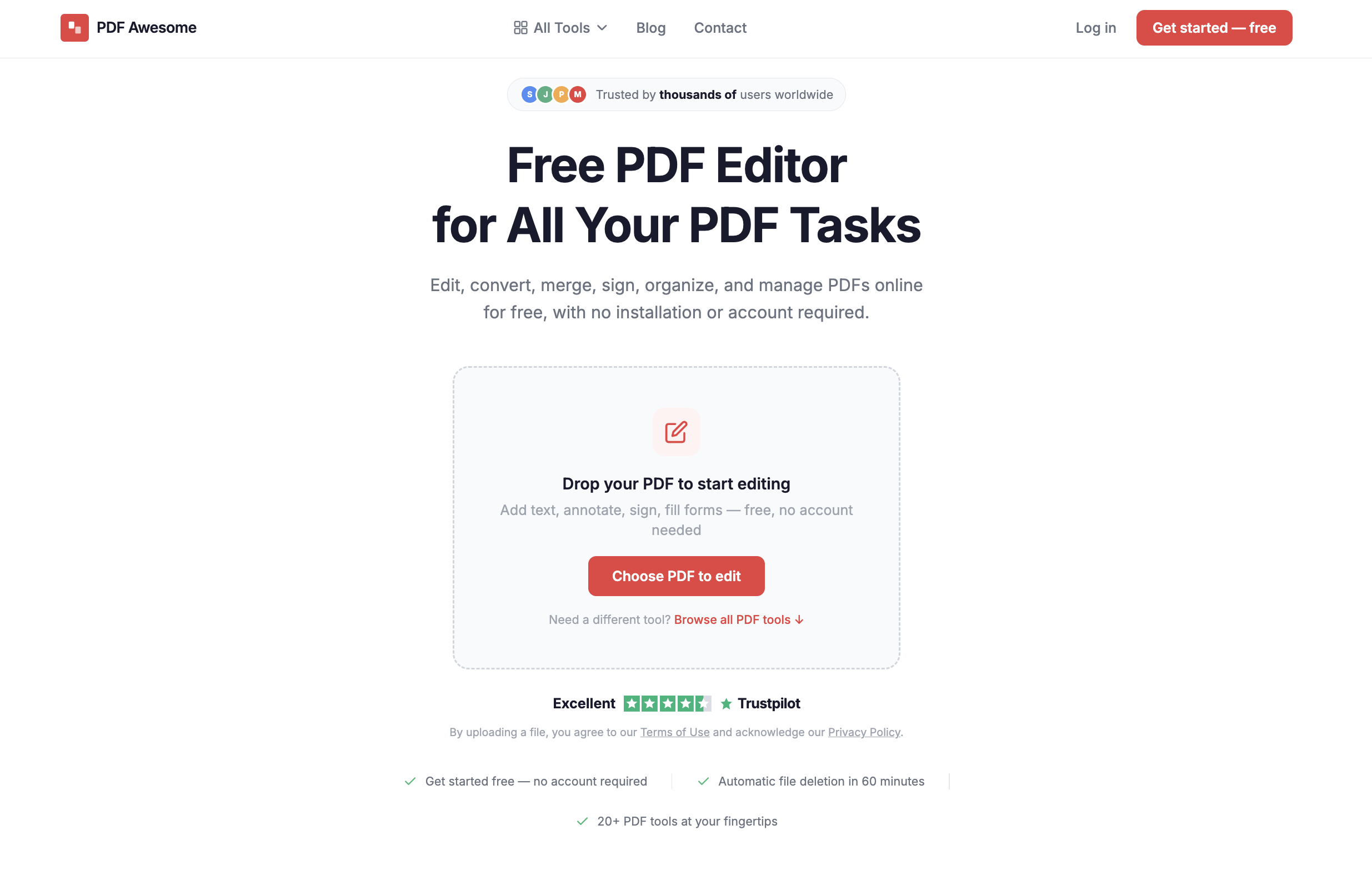
Newark, Delaware Nov 24, 2026 (Issuewire.com) - PDF Awesome today announced the official launch of its completely rebuilt website, bringing a new look, a simpler way to find tools and a much broader set of features for people who work with PDF files. At the center of the launch is the new Edit PDF tool, available now as PDF Awesome's online PDF editor, which lets users change text, swap images, sign and mark up documents directly in a web browser.
What is new in the launch
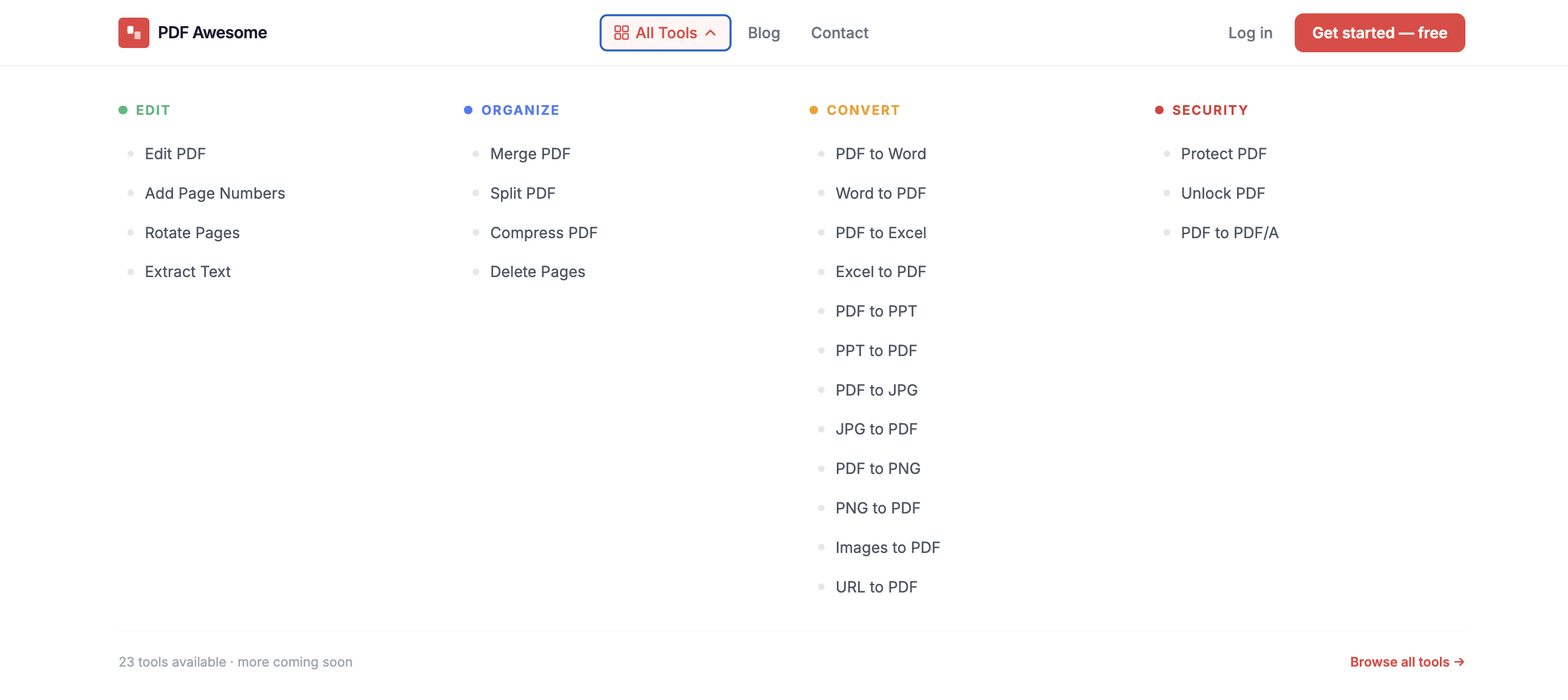
The relaunch replaces the previous site with a new interface designed around speed. Every tool is reachable from a single "All Tools" menu, and each one follows the same short path: choose a file, preview it, make the change, download the result. Users do not need to learn a different layout for each task, and after a job is finished the site suggests related tools so that follow-up steps, such as compressing a file after editing it, take one click.
The launch also expands the catalog to 23 tools across four groups. Edit covers editing, page numbering, page rotation and text extraction. Organize covers merging, splitting, compressing and deleting pages. Convert is the largest group, with twelve tools for moving between PDF and Word, Excel, PowerPoint, JPG, PNG and web pages. Security adds password protection, unlocking and PDF/A conversion. The team says more tools will follow.
Edit PDF takes the lead
Among the new releases, the Edit PDF tool is the most substantial. It is designed for the quick fixes that usually send people looking for expensive software: correcting a name, updating a figure, replacing a logo, adding a signature or filling in a form.
The editor changes the text stored inside the PDF rather than hiding it under a new text box, and it does this for everyone, including visitors without an account. Because edits are written into the file itself, fonts are preserved and images keep their original resolution. Additional options include adding or replacing pictures, highlighting and underlining, sticky notes, freehand drawing, shapes and arrows, and signatures that can be drawn, typed or uploaded.
One limit applies. Scanned PDFs are image-based and the service does not run OCR automatically, so the original text of a scan cannot be rewritten, although annotations can still be added.
Free to start, with room to grow
Launch access is free. Visitors without an account can edit one PDF a day with files up to 10 MB, a free account raises that to three edits and 50 MB, and PDF Awesome Pro, at $5 per month or $48 per year, offers unlimited edits, files up to 200 MB and priority processing.
Security remains part of the design. Files are transferred using 256-bit SSL encryption, deleted within 60 minutes, and handled in line with GDPR requirements.
Media Contact
PDF Awesome media@pdf-awesome.com 131 Continental Dr, Suite 305, 19713, United States https://pdf-awesome.com/