
San Jose, California Aug 24, 2020 (Issuewire.com) - Drawtify is suitable for everyone, including non-designers. It is an easy-to-use full-featured graphic design software, including vector editor, photo editor, layout, typography, and animation editing tools. It is applicable to all platforms and can be used for free forever.
According to its official website. Drawtify is a full-featured online graphic design software based on vector editing. Drawtify can be used almost without learning. It simplifies professional design functions, integrates rich online resources, and provides rich editable templates. So now everyone can create engaging designs like professional designers.
Drawtify can do what other online design software cannot do. For example vector editing, special effects, custom animations, path text, textured text, borders, powerful gradient colors, QR codes, charts, maps, and much more.
According to its official website function introduction. Drawtify Graphic Designer have 8 competitive advantages. Can help everyone easily create compelling graphics content, including animation and micro-interactive graphics.
Online Vector Drawing
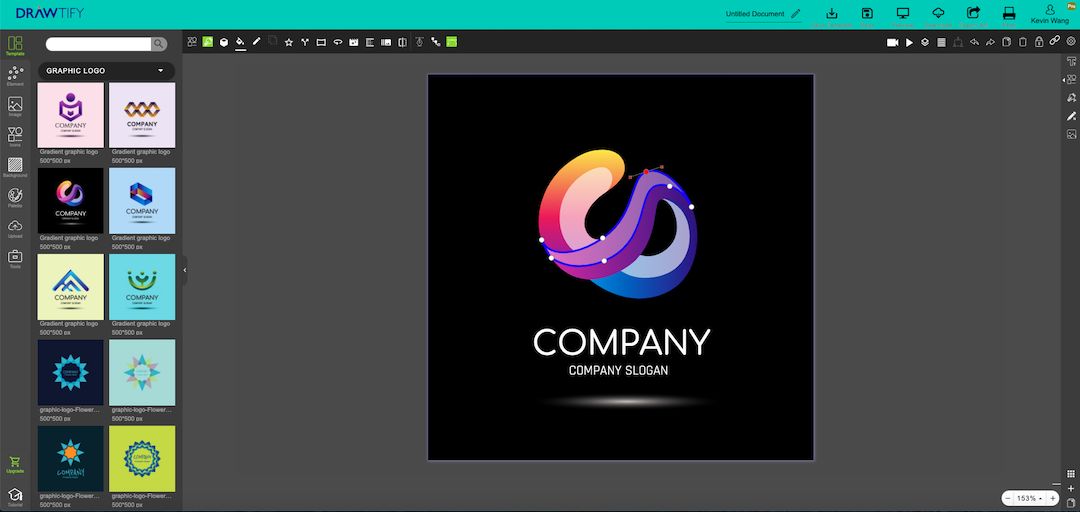
Its vector drawing function is similar to the online version of CorelDRAW.
You can use it to customize shapes or draw shapes more easily. Even select shapes in the resource library for editing or import SVG files and then edit.
You can also use drawing tools (pen, pencil, combination pen) to create unique shapes.
Of course, you can also choose “color”, “gradient”, “image” to fill, add effects to get a rich appearance.
For example, create illustrations, vector logos, and unique fonts, shapes, mascots, symbols, etc.
Standout Layouts
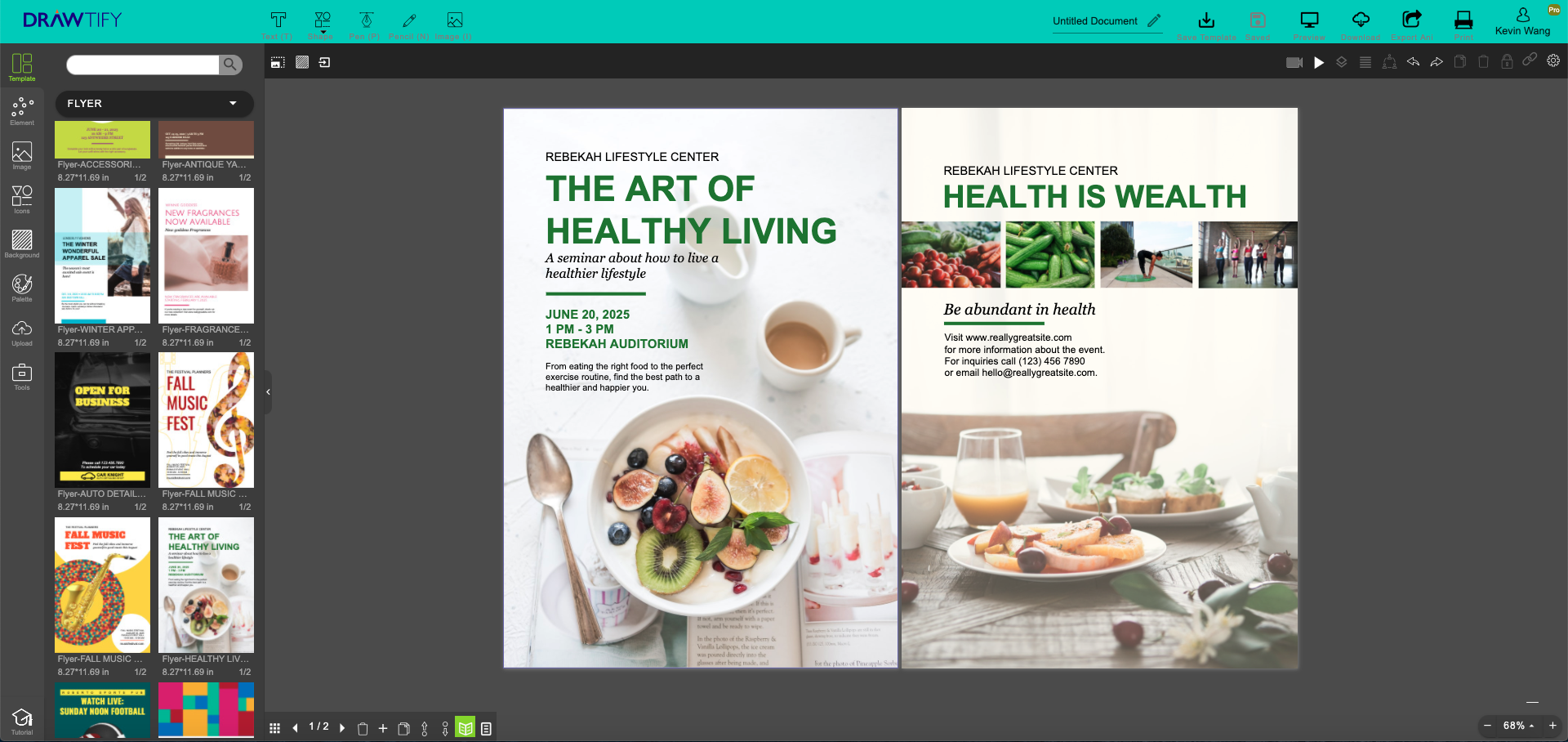
It's with excellent layout features. For example, scaling, alignment, spacing, same width, same height, layer, group, etc.
You can use drag and drop replacement and reference for a quick layout.
Or use its powerful multi-page editing function (with “show double pages” and “first-page isolation” function) to create multi-page content.
For example, create business cards, flyers, posters, and reports online. As well as infographics, brochures, booklets, and product catalogs.
Photo Editing
Whether you select photos in the photo library(Built-in Unsplash & Pixabay) or import photos, you can use Drawtify to edit them. Because it's with a powerful photo editor.
For example, use filters, transparency, blending modes, and flip tools to be creative.
You can even combine vector paths, mask functions, and shapes to quickly achieve artistic cutting. Or make precise cutouts.
Most business graphics start with photo editing and combine text to create completely new content. You will become the most dazzling visual hero.
Advanced Online Typography
Drawtify is an online vector editor with advanced typography tools. Letters, words, keywords, and paragraphs can all be artistically processed.
For example:
Select the font, font size, underline and perform regular editing.
Use alignment, spacing, list and fixed-width tools to quickly typeset.
Fill words and outlines with “color”, “gradient” and “image”. The design can be more beautiful.
Select “text to path”, “text path” function to achieve unique artistic typesetting.
Apply filters, transparency, blending modes, and flip functions. It will show your unique charm.
Rich plug-ins
As a professional and easy-to-use online vector drawing software, Drawtify integrates rich and practical design plug-ins.
For example bar codes, QR codes, charts, and maps.
These plug-ins can not only quickly graph text and data. It also improves the carrying capacity and uniqueness of the content.
Amazing Animation Effect
For any element, just select the command and adjust the time. You can quickly create amazing animations for your digital publications.
Constantly updated huge resources
It provides many online resources. Including templates, elements, pictures, icons, background libraries. And color schemes and smart plugins (barcodes, QR codes, charts, maps).
All resources are free. No need to worry about copyright issues, no need to waste time working across platforms!
Private User Centers, Multi-format Import & Export
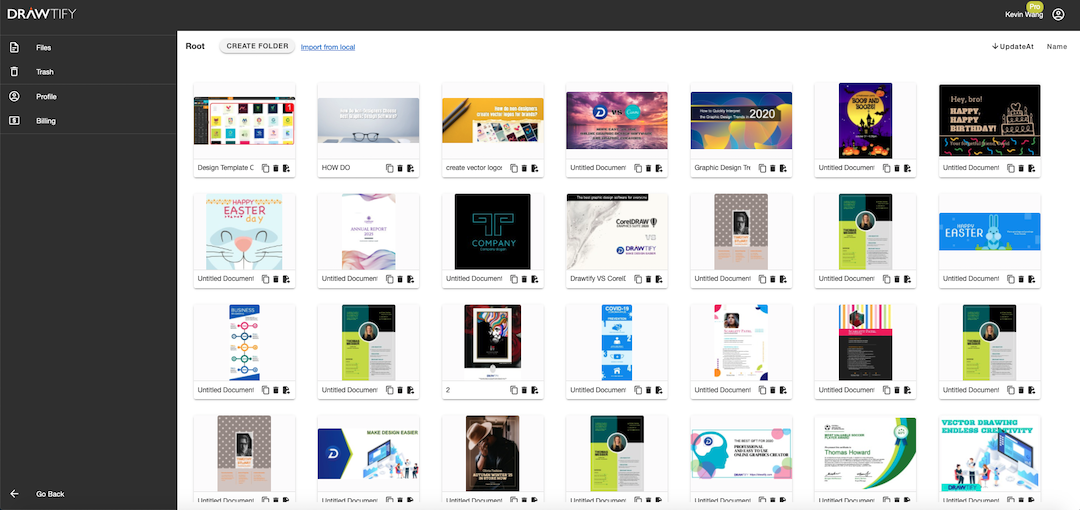
Drawtify provides a secure user center. Free users, 40MB of storage space. PRO users, 1GB of storage space.
Support import and export of multiple formats. Such as JPG, PNG, PDF, SVG.
Animation output to GIF, APNG, SVG, and video. And it can direct printing.
Obviously, Drawtify is suitable for graphic designers, editors, and brand owners, and people who need beautiful commercial graphics, including non-designers.
Therefore, you can now use your creativity and do it yourself! Use it to quickly create beautiful graphics. Examples include branding, marketing, social media images, and digital publications. Especially for small and medium-sized enterprises (especially start-ups), this will be the best solution to challenge a million-dollar brand image for free.
Media Contact
Drawtify *****@drawtify.com +1(415)4835197 https://drawtify.com




