Singapore, Singapore Jul 27, 2026 (Issuewire.com) - AI Toolbox (ai-toolbox.ai), a free browser-based media utility platform, has expanded its suite of video and audio tools for users who need to process files without uploading them to a remote server.
The update focuses on everyday media tasks that creators, students, marketers, educators, and small teams often need to complete quickly. These tasks include cutting a video into shorter clips, extracting audio from a recording, converting supported media files, merging multiple clips, flipping video orientation, splitting audio, and cropping images.
Many online media tools require users to upload files before processing them. For public files, that may be acceptable. But for personal videos, business recordings, classroom materials, client assets, or unfinished creative work, uploading files to an unfamiliar server can create privacy concerns and add unnecessary friction to a simple task.
AI Toolbox addresses this need with browser-based tools designed for lightweight file workflows. For supported tasks, users can open a tool, select a local file, and process it directly in the browser without installing desktop software or creating an account.
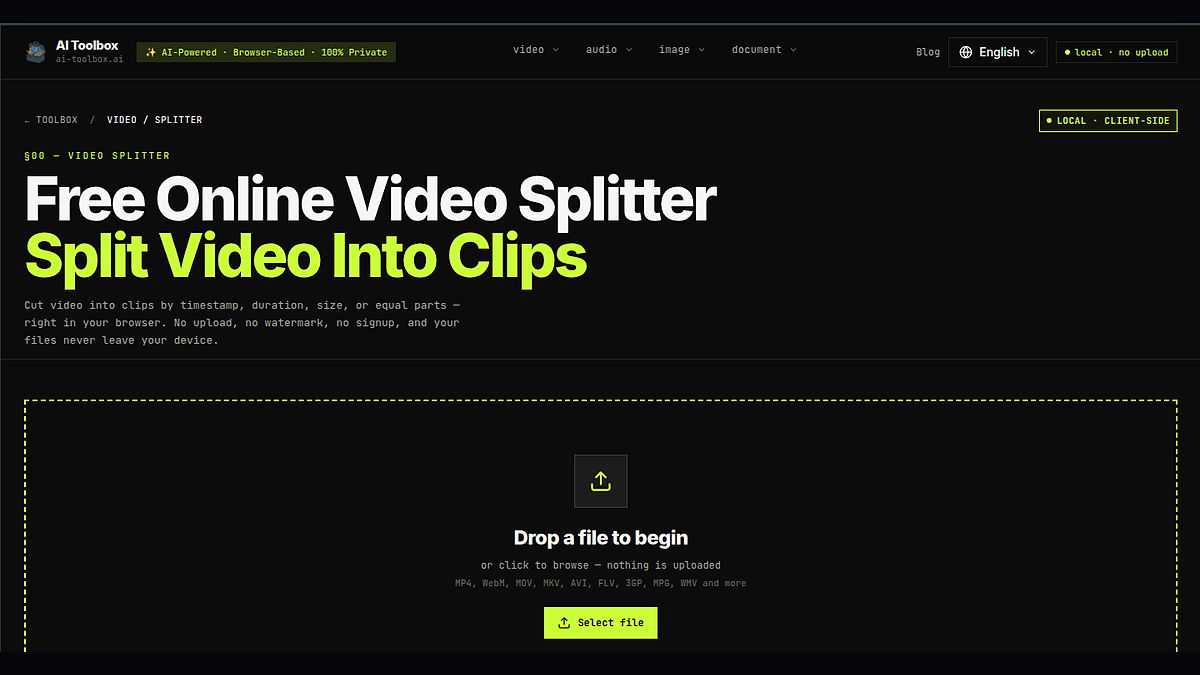
One of the platform’s core tools is the AI Toolbox video splitter, which helps users cut video files into shorter clips from the browser. The platform also includes tools for video conversion, audio extraction, audio splitting, video merging, video flipping, image cropping, and other practical media workflows.
“Most users do not need a full editing suite for a simple file task,” said a spokesperson for AI Toolbox. “They may only need to trim a clip, extract audio, or convert a file for sharing. AI Toolbox is built for those everyday moments when users want a faster and simpler way to process media while keeping supported workflows inside the browser.”
The platform is designed for users who need focused tools rather than complex editing software. A creator may need to prepare short clips for social media. A student may need to work with a lecture recording. A marketer may need to repurpose campaign materials. A small team may need to handle internal video or audio files. In these cases, the goal is often to finish one specific task quickly.
AI Toolbox also supports multiple languages, making its tools accessible to users in different regions. The platform currently provides localized pages in English, Chinese, Japanese, Korean, French, Spanish, German, and Russian.
The expansion reflects a broader demand for simple browser utilities that reduce setup time and make common file tasks easier to complete. Instead of asking users to install large software packages or upload files for every small task, AI Toolbox focuses on direct, task-based workflows that can be accessed from the browser.
The AI Toolbox media utility platform is available at AI Toolbox at ai-toolbox.ai.
About AI Toolbox
AI Toolbox (ai-toolbox.ai) is a free browser-based utility platform for everyday video, audio, image, and file tasks. The platform helps users split videos, convert files, extract audio, merge clips, flip videos, crop images, and complete other simple media workflows without requiring heavy software installation. AI Toolbox is designed to make common file-processing tasks faster, simpler, and more accessible through the browser.
Media Contact
AI Toolbox qiuwill54@gmail.com http://ai-toolbox.ai